

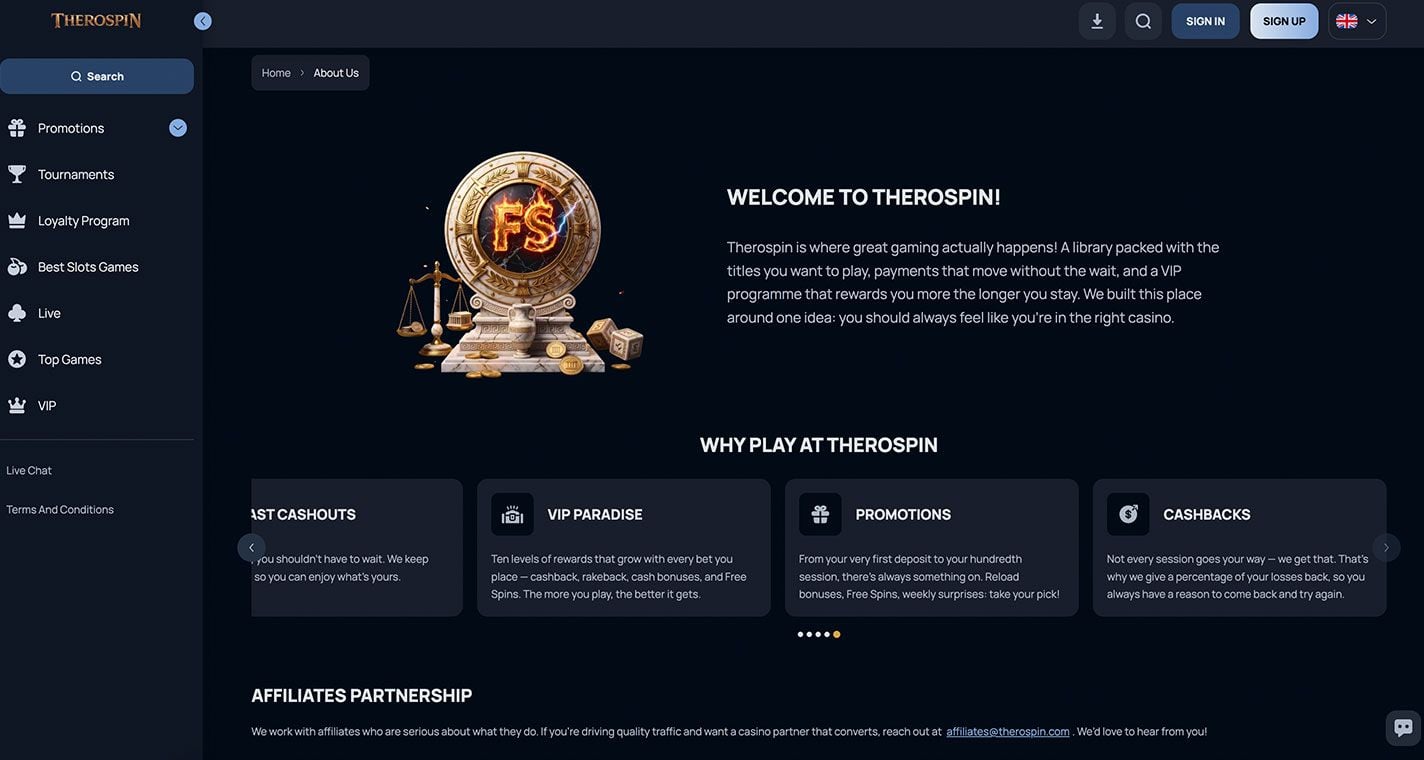
Mobile browsing can make an online casino easier to access, but a small screen also makes it harder to inspect terms, confirm website details and manage account security. The Australia-facing southeastasiaimages.com resource can be used as an informational starting point when considering mobile access, but readers should still check the operator’s current pages and applicable Australian restrictions. Herospin is available through a mobile web browser rather than a confirmed dedicated app, so the safest approach is to treat mobile use as a browsing decision, not proof of licensing, availability or suitability.

What does mobile browser access actually provide?
A mobile browser version usually means the website adapts its lobby and account pages to a smartphone-sized screen. This can be convenient when checking game categories, reading account information or reviewing a promotion while away from a desktop computer. It does not necessarily mean the operator has created a native application for Android or iOS. The distinction matters because an app downloaded from an unofficial source may not be connected with the actual operator.
For the service described in the available material, mobile access is through a browser, and no dedicated mobile app is confirmed. That means a user should open the website through a recognised browser, check the address bar carefully and avoid assuming that an app-store listing or APK file is official. A browser shortcut saved to the home screen can look like an app, but it remains a website shortcut rather than independent software.

Mobile browsing is best suited to simple, deliberate tasks. A larger screen may be more practical for comparing bonus conditions, reading full terms, checking account details or reviewing lengthy security messages. If a page is difficult to read, links are crowded or important wording is hidden below the fold, switch to a tablet or computer instead of making a rushed decision on a phone.
How should you check a mobile casino page?
Start by confirming that the address is correct before entering an email address, password or personal details. Look for spelling changes, unexpected subdomains and browser warnings. Do not rely solely on logos, colours or a familiar-looking layout, as these can be copied. If a link arrives by text message, email or social media, opening the official website independently is generally safer than following the message.
Once the page loads, inspect the account and help sections before considering any transaction. A useful mobile check includes whether the site explains its age requirement, verification process, applicable terms, customer support routes and account controls. Read the information in portrait and landscape modes if necessary. Pop-ups, rotating banners and bonus prompts can make it easy to overlook conditions that affect eligibility or account activity.
Use separate checks for the website and the operator’s regulatory position. An Australia-facing page does not establish that the service is licensed by an Australian gambling authority. The supplied material describes the operator as offshore and not regulated by Australian gambling authorities, so readers should not treat mobile availability as evidence of Australian licensing. If legality or access is uncertain, obtain independent advice before proceeding.
Which phone and browser settings reduce avoidable risks?
Keep the phone’s operating system, browser and security software updated. Updates often address weaknesses that criminals can exploit, while an outdated device may expose saved information or active sessions. Use a screen lock protected by a strong passcode or biometric control, and avoid handing an unlocked phone to other people when an account is open.
Use a unique password for the casino account and do not reuse it for email, banking or social media. A password manager can create and store a different password for each service. If the account offers additional security controls, review them carefully. Never share a password, one-time code or password-reset message with someone claiming to be support. The official Australian online safety guidance also provides broader advice about protecting accounts and personal information.
Public Wi-Fi deserves caution, particularly when a page requests identity, payment or account information. A trusted mobile connection or secured private network is preferable. Turn off automatic connection to unknown networks, review browser permissions and avoid saving payment details on a shared device. When finished, sign out and close the browser tab if the phone may be used by someone else.
When is a larger screen the better choice?
A phone is convenient for browsing, but it can encourage quick decisions because information is compressed and distractions are common. A larger screen is preferable when comparing several terms, checking a full payment page, reviewing verification instructions or deciding whether a promotion is worth accepting. It also makes it easier to notice qualifying conditions, expiry periods, wagering requirements and maximum-bet rules.
The source material describes a promotion-selection screen during registration and detailed conditions attached to promotional deposits. Those conditions may include separate treatment of free spins, restrictions on payment methods, time limits and consequences if a withdrawal is requested while a bonus is active. Such information should be read in full, rather than accepted from a short mobile banner or summary sentence.
Use the larger screen whenever the mobile page appears incomplete or difficult to navigate. Do not rotate the phone repeatedly while entering personal information, and do not use browser translation or automatic form filling without checking the result. Names, addresses, dates of birth and payment details need to be accurate and consistent. A typo may create avoidable verification problems later, regardless of the device used.
How can mobile browsing remain controlled and deliberate?
Decide in advance what you are trying to check before opening the site. That might be the current terms, available account information or whether a particular page is accessible. Avoid browsing while tired, upset, distracted or under pressure. Notifications, autoplay features and promotional messages can encourage longer sessions, so silence unnecessary alerts and keep the phone away when the task is complete.
Review the operator’s available account controls rather than assuming that mobile access includes strong spending or session tools. The supplied material does not confirm deposit, loss or session limits or a dedicated self-exclusion feature in the account area. It also notes that external Australian services are separate from the operator’s controls. Anyone seeking formal support or exclusion should check the relevant official Australian service and not rely only on a website’s mobile menu.
Finally, keep records of important decisions and communications. Save the terms that applied when an offer was accepted, note support requests and check account messages directly through the website. If a payment, identity request or account warning seems unexpected, pause before responding. Mobile convenience is useful only when it supports careful reading, secure access and informed decisions rather than replacing them.
Mobile browsing FAQ
Is a mobile browser the same as a casino app?
No. A mobile browser opens the operator’s website, while a native app is software installed on the device. The available information confirms browser access but does not confirm an official Android or iOS app. Avoid third-party APK files or unofficial downloads, and verify any app independently before entering account details.
Does an Australian-facing mobile page prove Australian licensing?
No. A page can target Australian users, display Australian currency or adapt its layout for local visitors without being licensed by an Australian gambling authority. The available material describes the operator as offshore and not Australian-regulated. Check current legal information independently and do not treat mobile availability as regulatory approval.
What should I do if the mobile page looks incomplete?
Stop before entering sensitive information or confirming a transaction. Check the address, reload using a current browser and try a larger screen or private connection. Read the full terms through the help or account area. If information remains unclear, contact support through a verified channel and keep a record of the response.